- Out-of-Stock
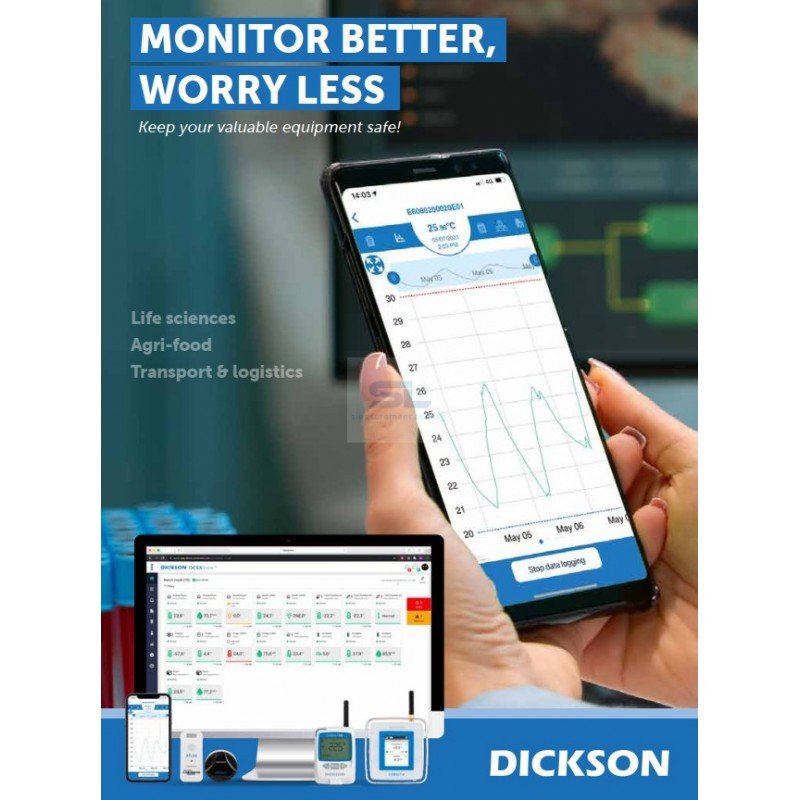
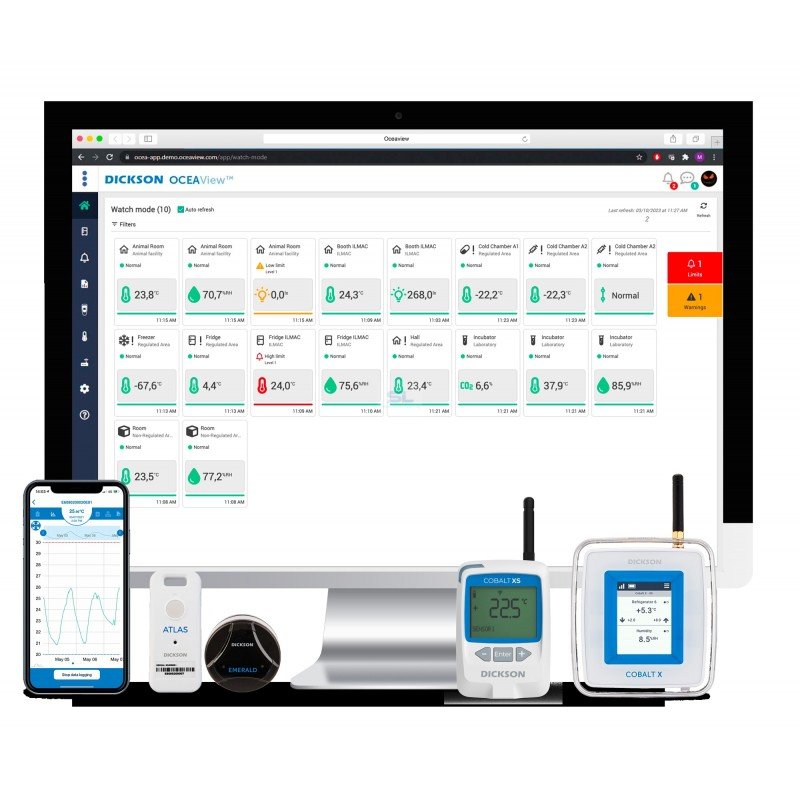
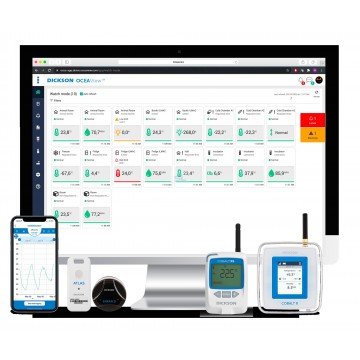
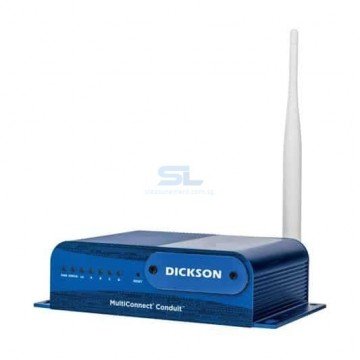
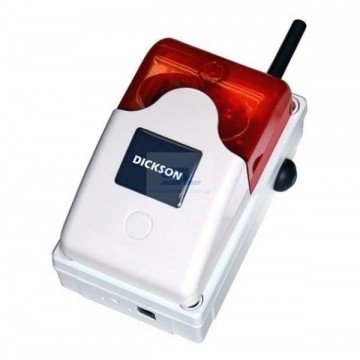

Dickson OCEAView™ brings wireless environmental monitoring, alarm notifications and traceable records into one platform. Monitor temperature, humidity and other critical parameters using compatible data loggers and sensors for refrigerators, freezers, laboratories, pharmaceutical storage and cold rooms.
Know when storage conditions change, identify which equipment needs attention and keep the records needed to investigate an excursion. Dickson OCEAView™ combines connected data loggers, environmental sensors and monitoring software to give your team a central view of critical equipment and storage areas.
For a laboratory refrigerator, a pharmaceutical warehouse or several monitored rooms, the buying decision starts with three questions: what needs measuring, who needs to receive an alarm and what records must be retained?
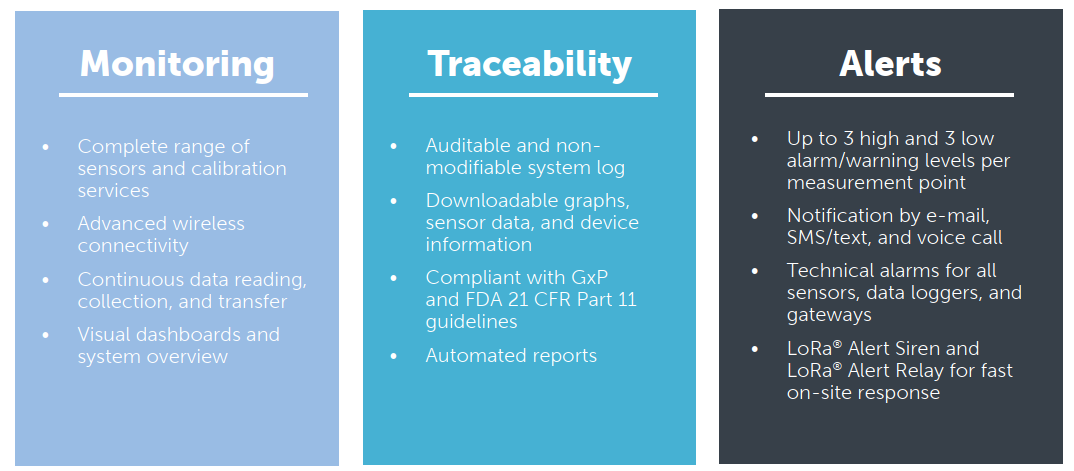
OCEAView brings these requirements together through monitoring, traceability and alerts, with cloud and on-premises deployment options.
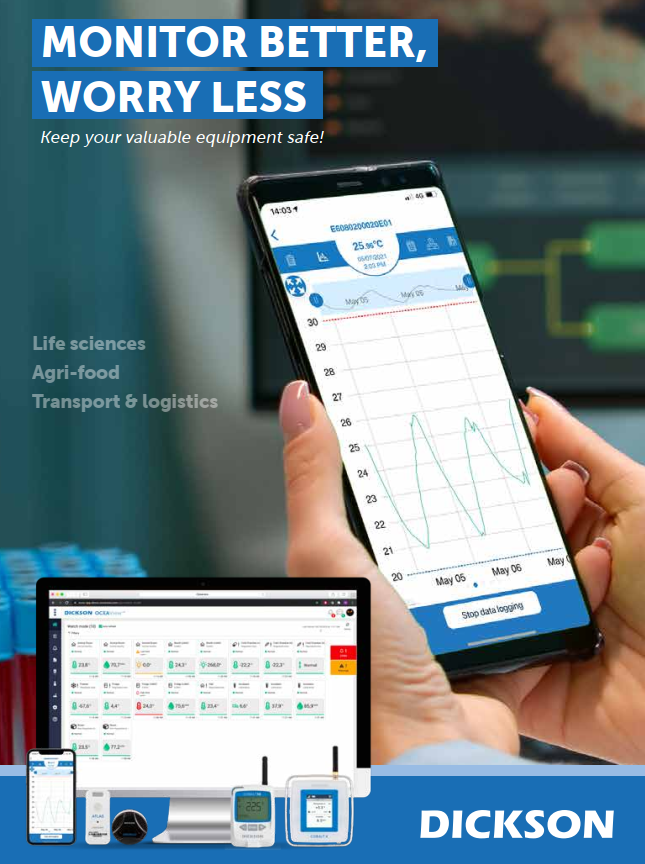

Match each monitoring point to the equipment, storage conditions and records required by your operation.
| Application | Monitoring priorities | Details to specify |
|---|---|---|
| Pharmaceutical storage and warehouses | Temperature and humidity records, alarm handling and traceability. | Storage limits, room layout, monitoring locations and quality requirements. |
| Refrigerators, freezers and cold rooms | Continuous temperature recording and notification of excursions. | Equipment temperature range, probe arrangement and alarm recipients. |
| Laboratories and research facilities | Conditions affecting samples, reagents and monitored equipment. | Equipment list, measurement parameters and calibration requirements. |
| Incubators and controlled environments | Temperature and other relevant parameters using compatible sensors. | Required temperature, humidity or CO2 measurements and sensor compatibility. |
| Cleanrooms and controlled areas | Environmental parameters such as temperature, humidity and differential pressure. | Room conditions, pressure ranges and required monitoring interfaces. |
| Cold-chain transport and deliveries | Recording conditions during movement and reviewing shipment history. | Journey duration, measurement interval and when data must be available. |
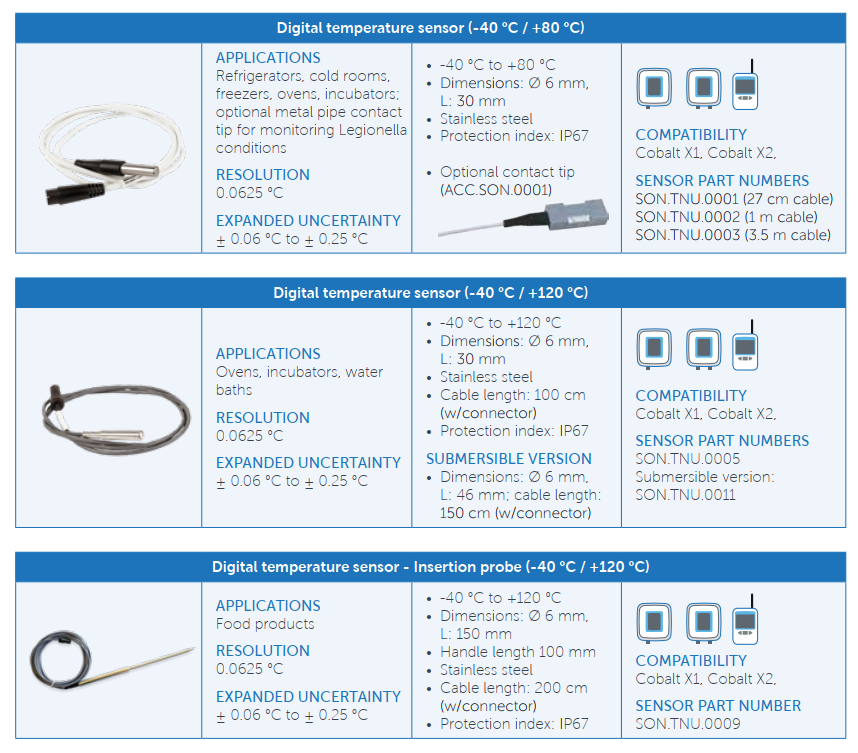
Sensor selection determines the usable measurement range and accuracy. For ultra-low-temperature freezers or other demanding conditions, specify the actual operating range before selecting hardware.
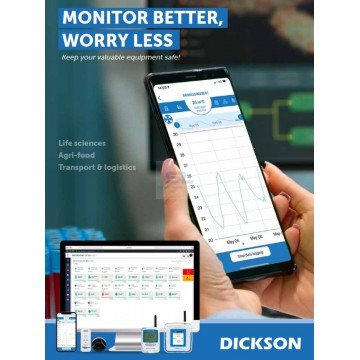
Use the web platform to review sensor readings, graphs and equipment status. Organise monitoring points around your operation so users can find the equipment and records relevant to their work.

OCEAView maintains a history of readings, alarms, user actions, acknowledgements and system events. Downloadable data and scheduled reports support routine review and investigation.
When specifying your system, decide who will review reports, how excursions will be documented and how long records need to remain available.

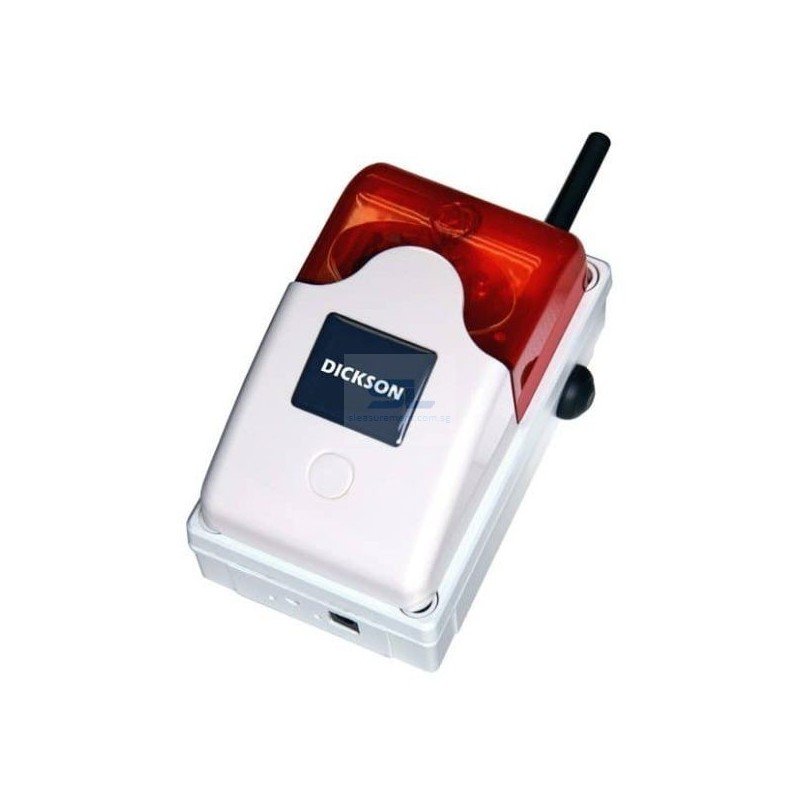
Configure measurement limits and alarm notifications to suit each monitored asset. OCEAView supports email, SMS and voice-call notifications, together with technical alarms for monitoring devices. Compatible wireless sirens provide an additional local warning option.
Define recipients and response arrangements for working hours, weekends and overnight operation. Confirm the required notification services and destination-country availability when ordering.

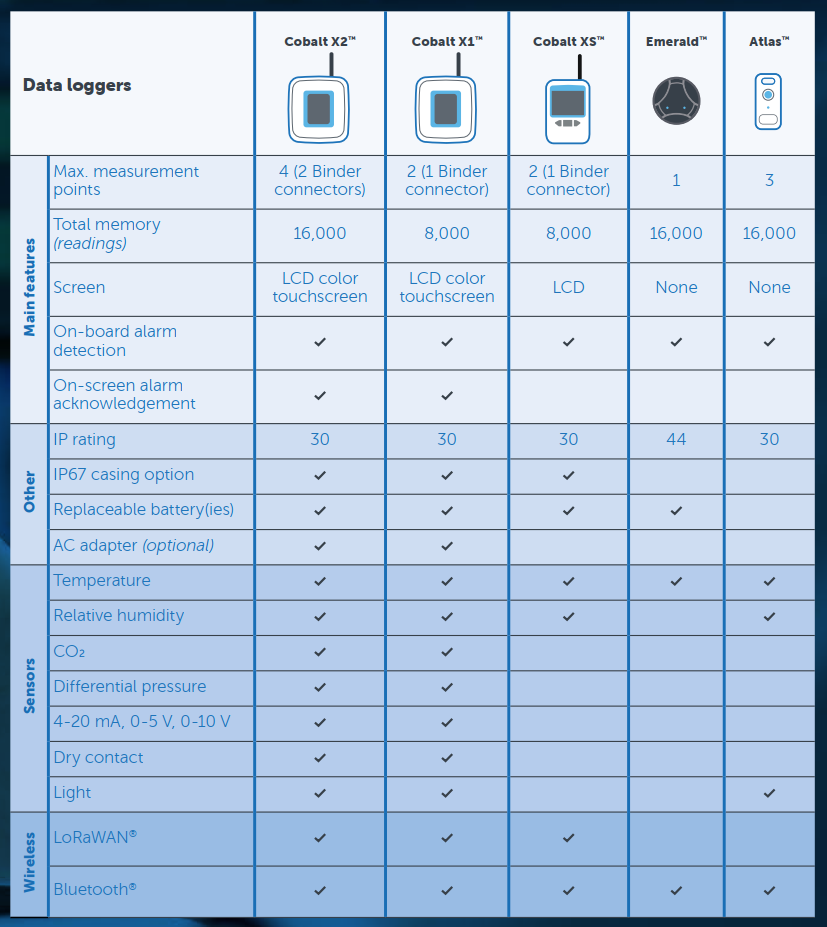
The OCEAView ecosystem includes LoRaWAN and Bluetooth devices. Select the logger family and communication method according to the application; confirm that the exact device version is compatible with the proposed OCEAView deployment.

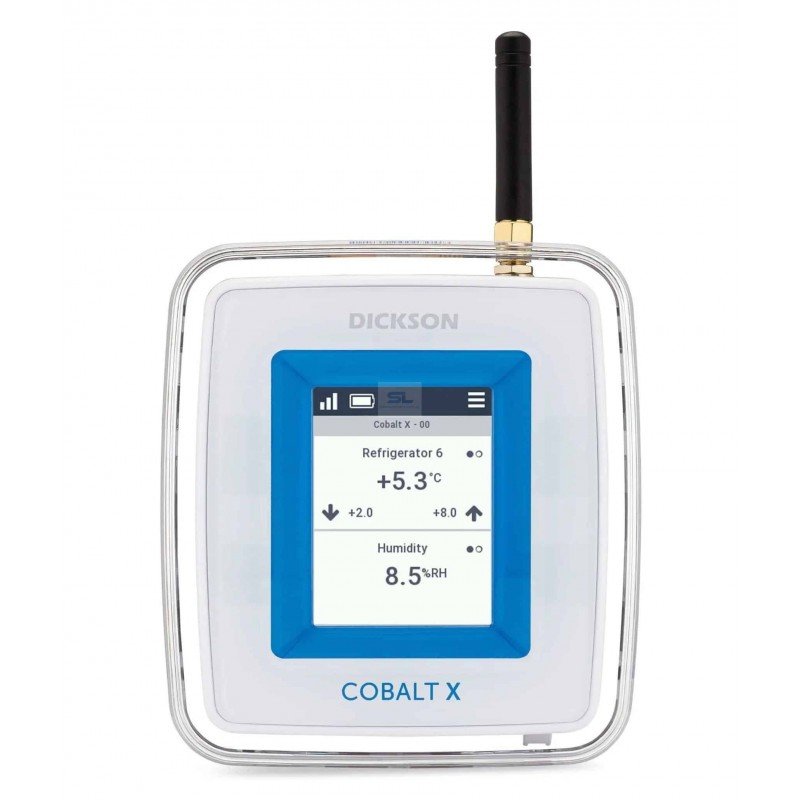
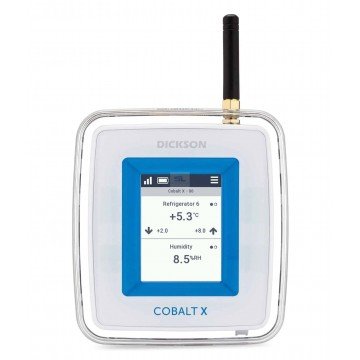
Cobalt X offers a colour touchscreen and external sensor connections for equipment monitoring. The Cobalt X2 configuration supports up to four external sensors, allowing several measurement points to be grouped around one logger.

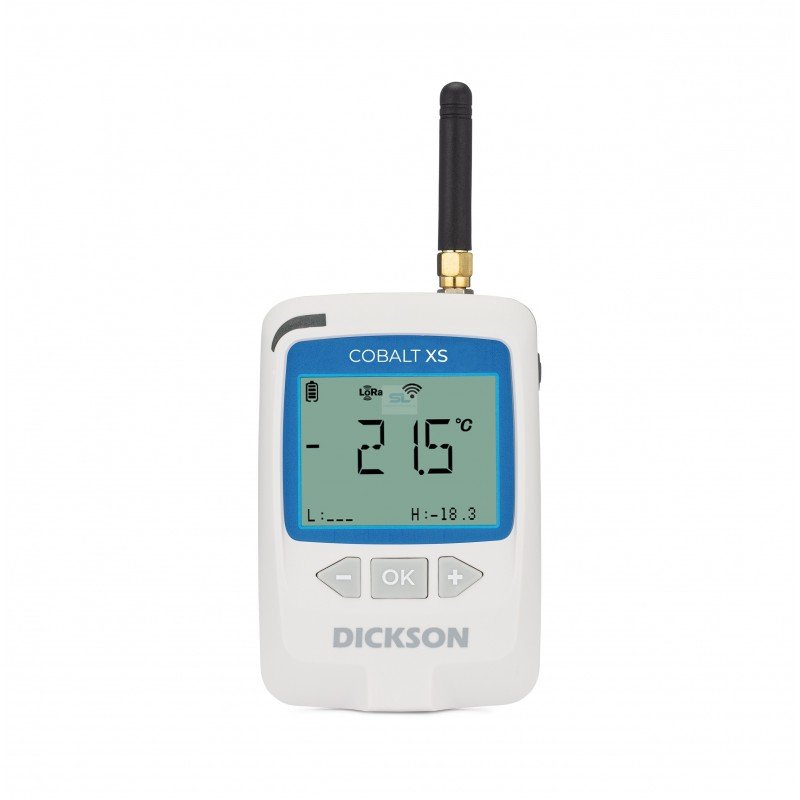
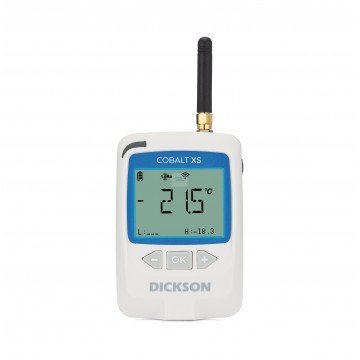
Include Cobalt XS in your hardware comparison when planning an OCEAView installation. Specify the required sensors and connectivity so the appropriate version can be identified.

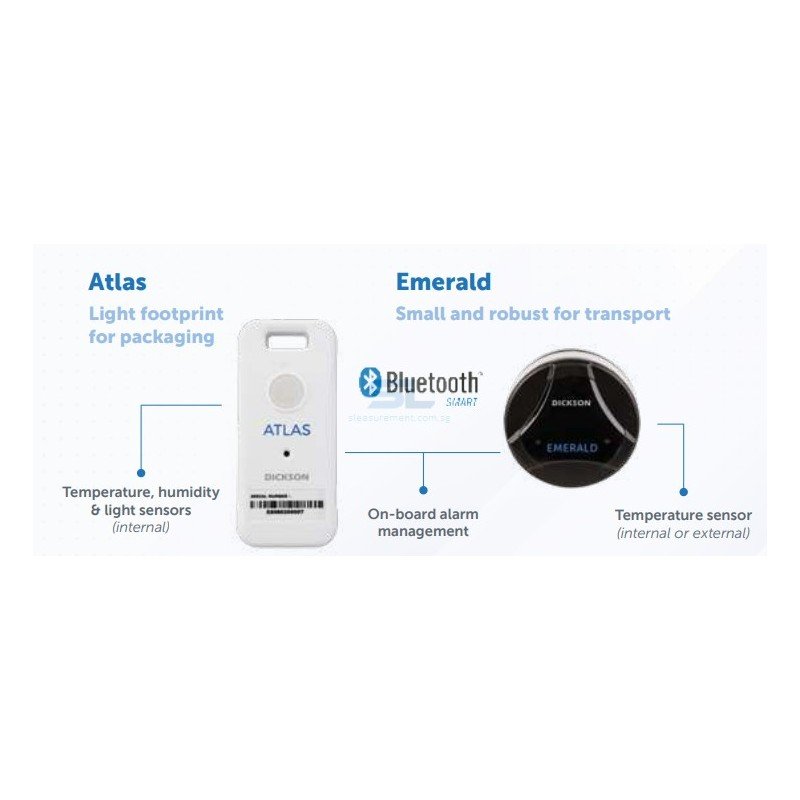
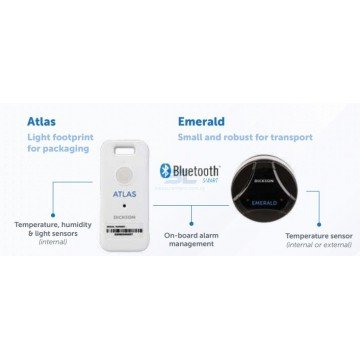
Emerald and Atlas provide options for mobile and transport recording. Depending on the configuration, they can operate as standalone loggers or be paired with compatible Cobalt X equipment.
For shipment monitoring, distinguish between recording a journey for later review and receiving notifications during transit. The required connectivity and data-transfer arrangement should be agreed before purchase.

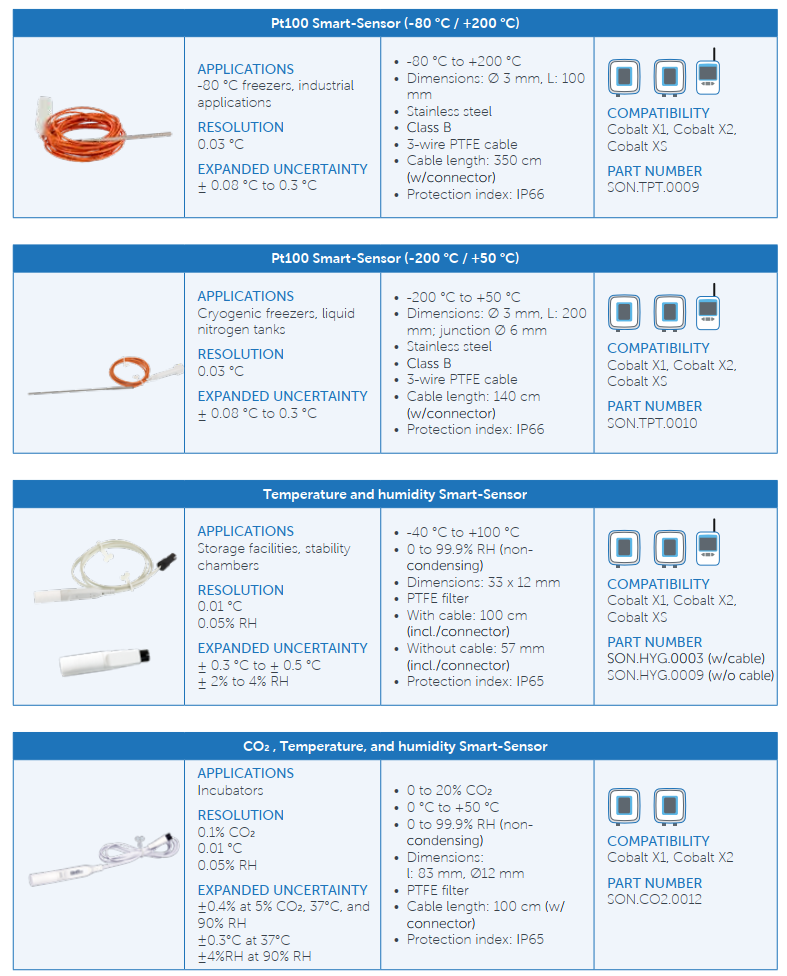
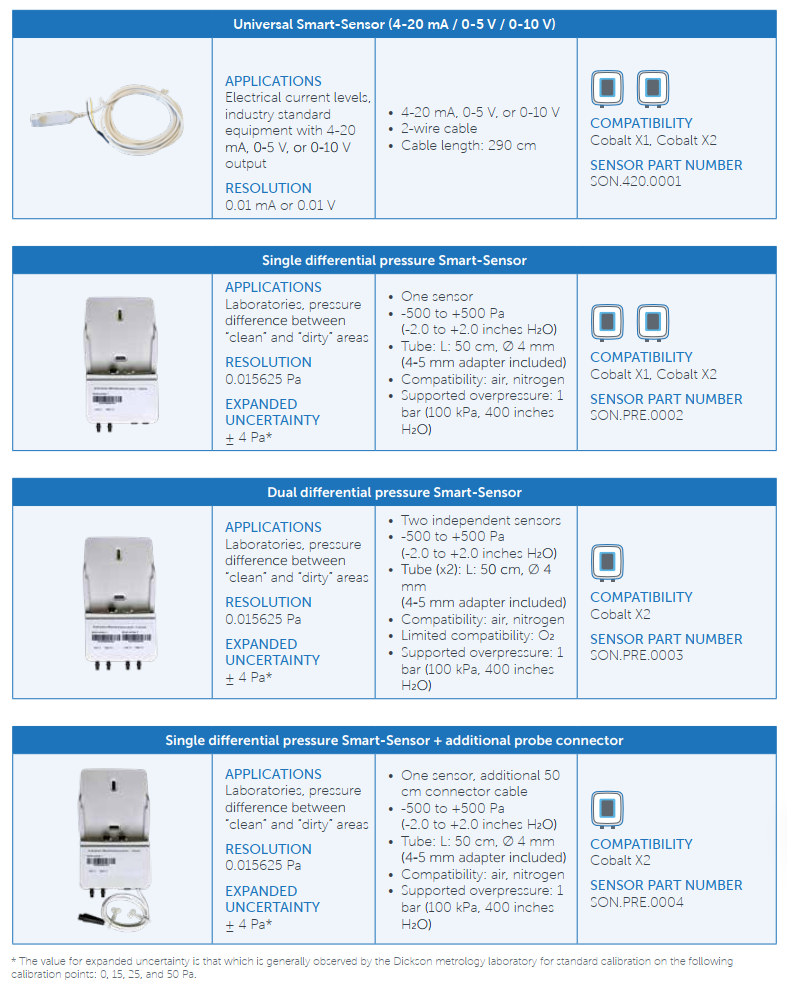
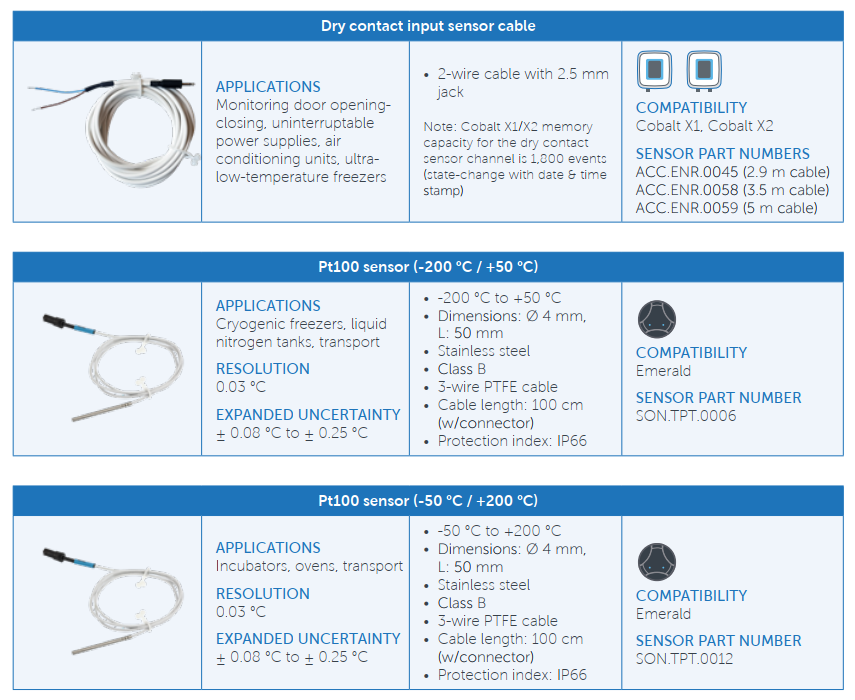
Available system options cover temperature, relative humidity, CO2, differential pressure and selected external signals, including 4–20 mA, voltage and dry-contact inputs. These require the appropriate compatible logger, sensor or interface.
Choose the measurement arrangement around the application. Consider probe placement, cable routing, response time and calibration points, as well as the stated measurement range.
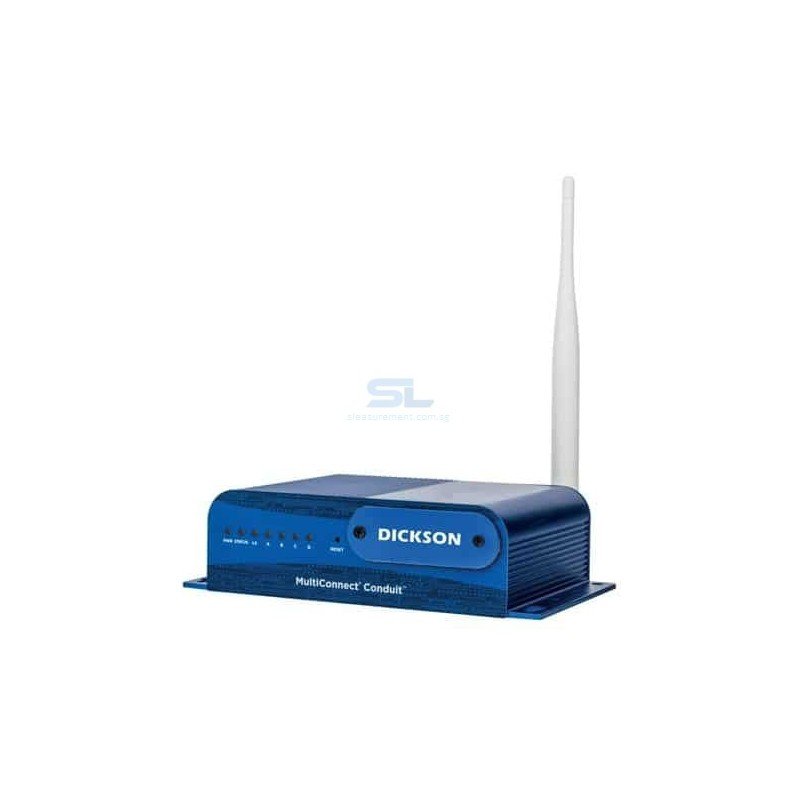
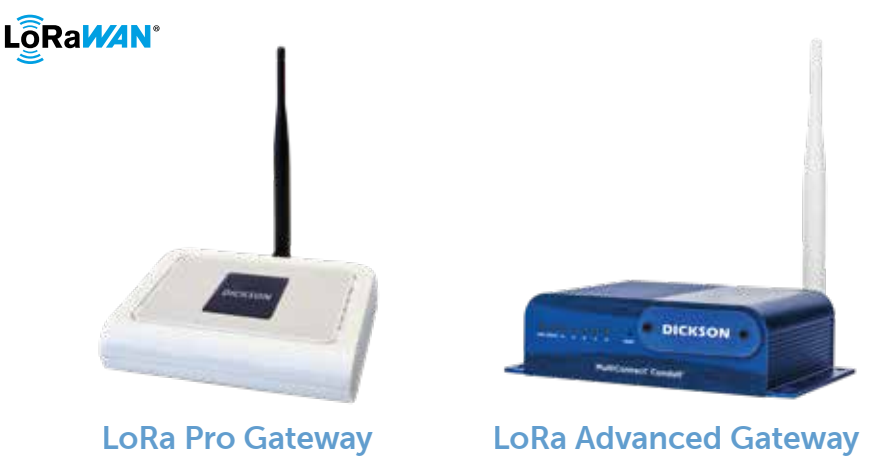
In a LoRaWAN installation, compatible loggers communicate through a gateway to the monitoring platform. Plan gateway placement around the building layout and the locations of monitored equipment.
Cold-room panels, metal enclosures, walls and floor levels can affect radio coverage. Provide a floor plan when requesting a system proposal, and confirm the appropriate radio configuration for the installation country.
A compatible LoRaWAN siren can add an audible and visual warning at the facility. Consider where staff need to notice an alarm and how local warnings will work alongside remote notifications.

| Deployment | Planning considerations |
|---|---|
| OCEAView Cloud | Review remote access needs, internet connectivity, user permissions and software subscription requirements. |
| OCEAView On-Premises | Review internal hosting, IT resources, backup arrangements, maintenance responsibilities and access requirements. |
Involve your IT and quality teams early so the proposed system matches your organisation's data-management and operating requirements.
Dickson positions OCEAView for regulated environments, with traceability features that support GxP and 21 CFR Part 11 requirements. Audit trails and controlled user access help establish accountability for monitoring records and system activity.
For a regulated project, define the required software functions, validation documentation, calibration records and operating procedures during specification. Compliance depends on the implemented system and its use, including configuration, qualification and ongoing procedures.
Use the comparison below as a reference when discussing your configuration. Confirm current model availability and specifications in the quotation, particularly when expanding an existing installation.
To prepare a useful system quotation, please include:
If you are expanding an existing Dickson system, include the current logger models and software version.


